
Find the right day before you start looking.
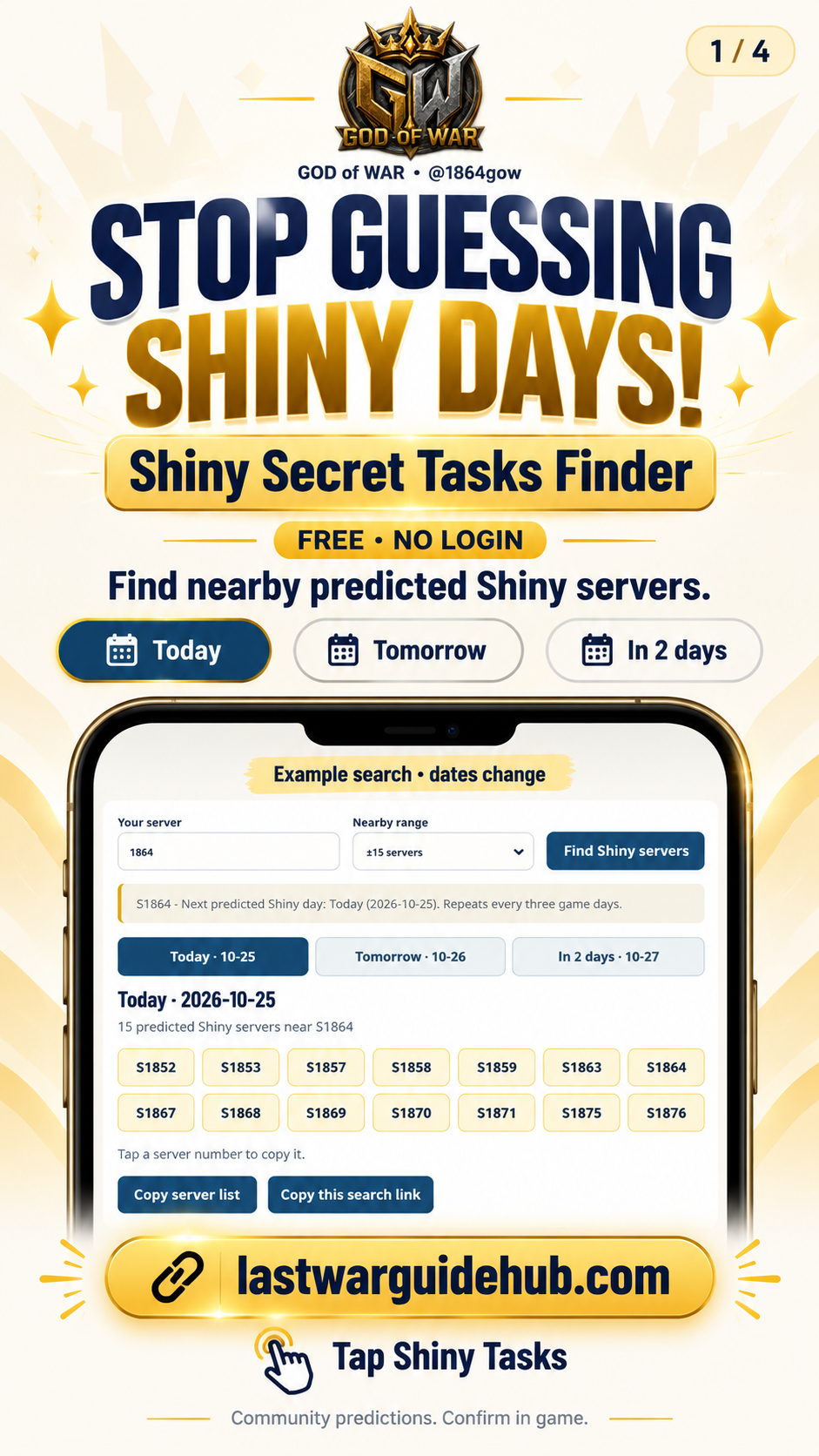
You do not need a full personal dashboard just to check nearby Shiny days. The Shiny Secret Tasks Finder gives you a quick server search, three game-day tabs and a shareable list. This four-slide GOD of WAR walkthrough explains how to use those results without mistaking a prediction for a live task location.
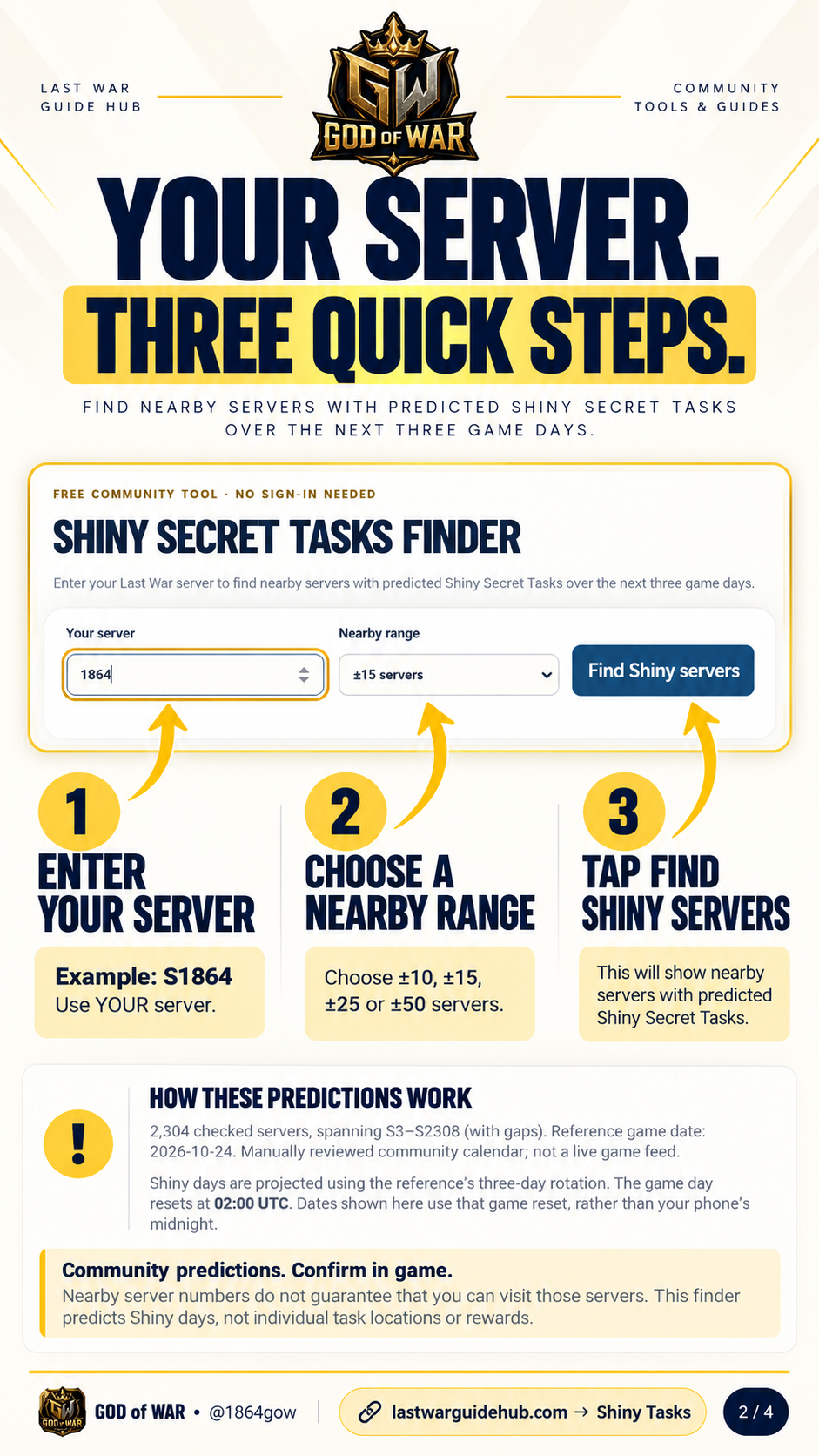
- Start with your own server. Open the free finder and enter your number in Your server. S1864 in the slides is an example, not a server everyone should use. No sign-in or game-profile match is needed for this standalone search.
- Choose how far to look. Select a nearby numeric range of ±10, ±15, ±25 or ±50 servers, then press Find Shiny servers. Start with a range useful to you and expand if needed. Numeric proximity is a search filter; it does not establish which servers your account can visit.
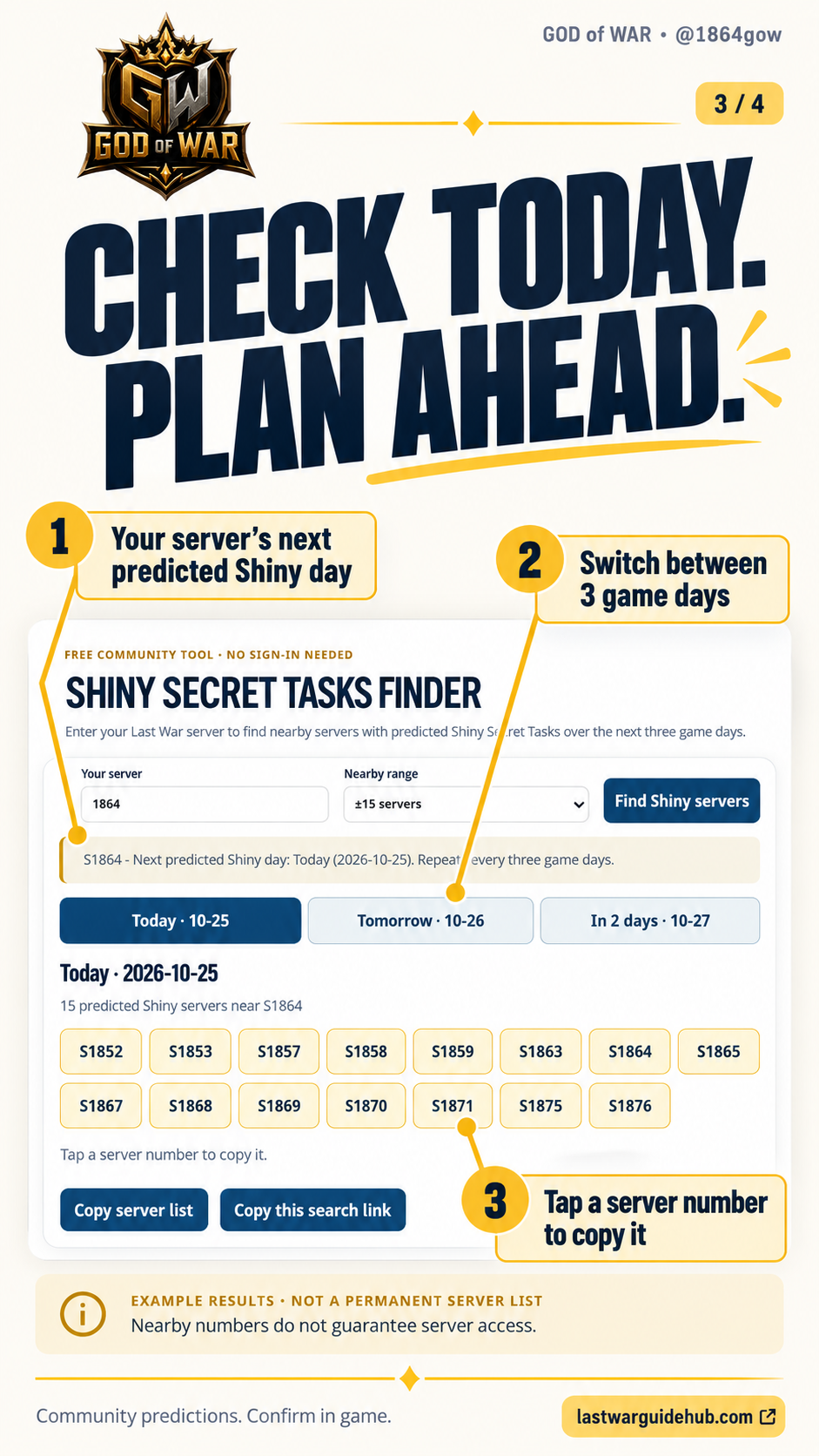
- Check the date before reading the numbers. Switch between Today, Tomorrow and In 2 days. Each tab displays its game date. When your own server has a checked calendar assignment, the notice also shows its next predicted Shiny day within that view.
- Read the coverage notice. The finder reports how many server numbers in your selected range have checked reference data. Missing numbers are not filled in by guesswork. An empty result means no checked prediction was returned for that search and day; it does not prove every server in the range has no Shiny tasks.
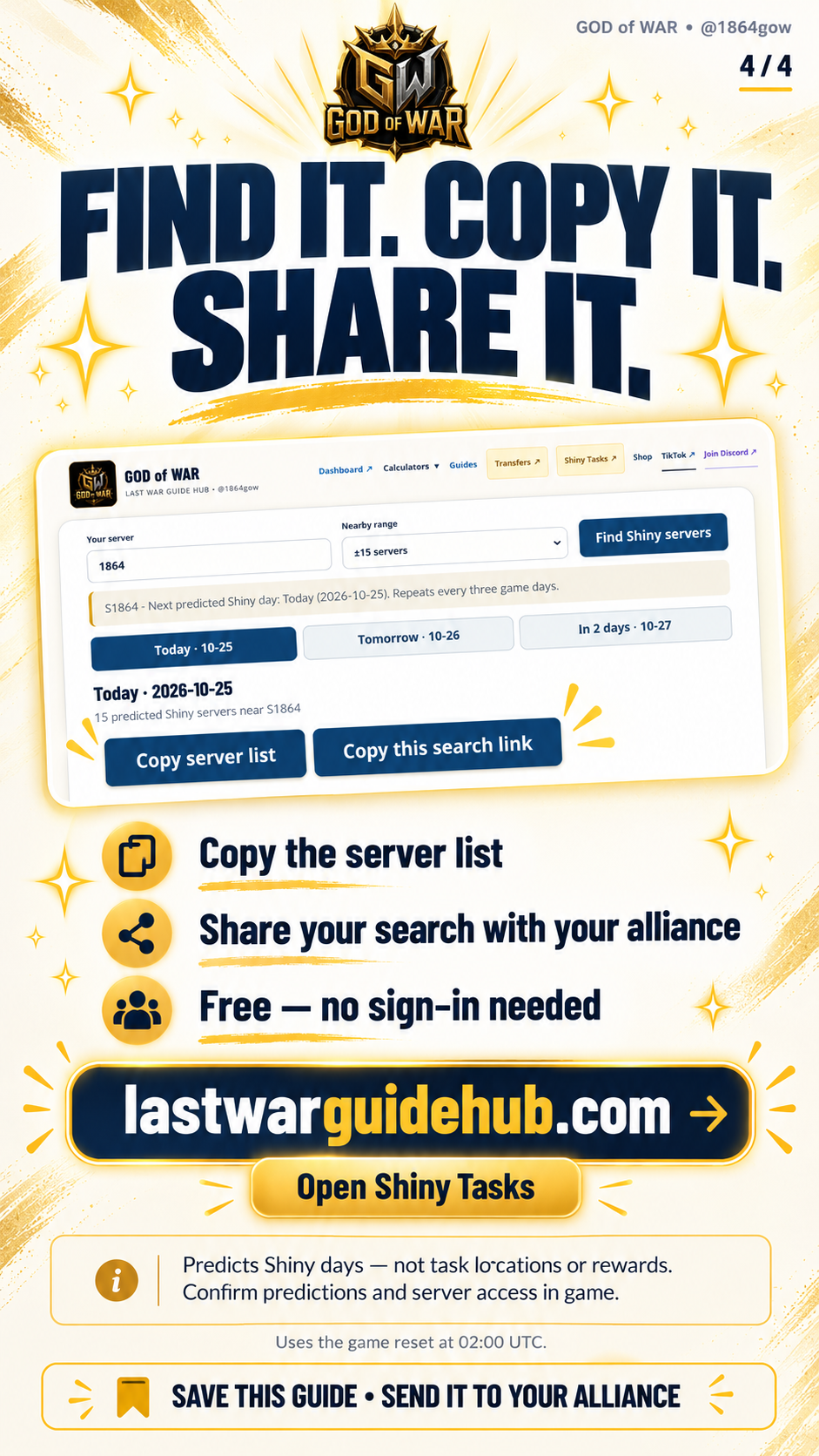
- Copy the result in the form your alliance needs. Tap a server number to copy that number. Use Copy server list to include the prediction date and community-estimate notice. Use Copy this search link to share the server, range and selected day tab so others can reopen the search.
- Confirm in game before acting. The finder uses a manually reviewed community calendar and a three-game-day rotation model. It does not scan individual tasks, show coordinates, guarantee rewards or confirm transfer/visit access. Use it to narrow your search, then check the actual game state.
Do not keep using an old screenshot
The four walkthrough slides show an example search and dated results. They explain the controls; they are not today's permanent server list. Reopen the finder, check the displayed date and read its reference notice before sharing results with your alliance.
What the search actually calculates
The current website implementation projects checked server assignments across three game-day positions. It is a community planning tool, not an official live data feed.
| Setting / result | How it works | What it does not mean |
|---|---|---|
| Nearby range | ±10, ±15, ±25 or ±50 server numbers around your entry | Permission to visit or plunder those servers |
| Day tabs | Today, Tomorrow and In 2 days, each with a game date | Three separate live scans |
| Rotation model | Repeats checked assignments every 3 game days | A guaranteed schedule for an unchecked server |
| Game-day boundary | The finder uses 02:00 UTC | Your phone's local midnight |
| Reference coverage | Shows checked numbers within the requested interval | Complete coverage of every server in that interval |
| Reference expiry | Predictions pause when the reference is 7 game days old | Evidence that Shiny tasks have stopped appearing |
| Copied list | Includes the prediction date and estimate notice | Individual task coordinates or guaranteed rewards |
Useful predictions, with visible limits
The controls, range options, sharing behaviour and expiry policy described here were checked against the website's finder and calendar implementation. Those facts describe our tool; they do not make its underlying community calendar an official Last War schedule.
If the reference is stale, the finder pauses predictions until it is reviewed. If your server has no checked assignment, do not infer one from nearby numbers. Always confirm the current Shiny day and your access in game. The original slides are preserved as an illustrated walkthrough.
Sources & verification
- Live Shiny Secret Tasks Finder: current controls, dates, coverage and reference status.
- The website's finder and calendar code: verified range choices, three-day projection, 02:00 UTC date boundary, sharing controls and seven-game-day expiry policy.
- The four original GOD of WAR walkthrough slides: example search and illustrated instructions, not a current daily server list.
Written edition revised October 29, 2026. No official live feed or new calendar review is claimed by this article update.
The four TikTok slides
Tap any slide to open it full size. These designed walkthroughs use an example search and dated results; they are not a permanent server list. The website shows the current game dates and predictions when its reference is valid.
Packs for this guide

Optional progression purchases; using the dashboard, transfer tool and task finder is free. These are topic-based options, not verified item-for-item matches to the guide. Check contents, regional eligibility and the final total before buying.
NewUser Only
For eligible new LootBar customers; check the offer restrictions.
Super Monthly Pass
Compare the current monthly rewards with your progression priorities.
CAD figures are historical references supplied on October 21, 2026. Live prices may be higher or lower and vary by currency, promotion and coupon.
Affiliate disclosure: GOD of WAR may earn a commission from eligible purchases through these links. LootBar is an independent third-party store, not the official Last War store.
How it works: no game password needed — after checkout you redeem the pack inside your own Last War account (delivered in about 5 minutes). Note: in-game Gold Bricks are used first; platform packs can be redeemed once no Gold Bricks remain. New to LootBar? Enter code #sZTU at signup for a 5% coupon. Purchases through these links support the free guides at no extra cost to you.
Delivery time is LootBar’s estimate, not a guarantee. Coupon eligibility, limits and availability apply; check the offer at signup. Follow the current Self-TopUp instructions and supported purchase modes. Our website never asks for your game password.