
How to use the new features
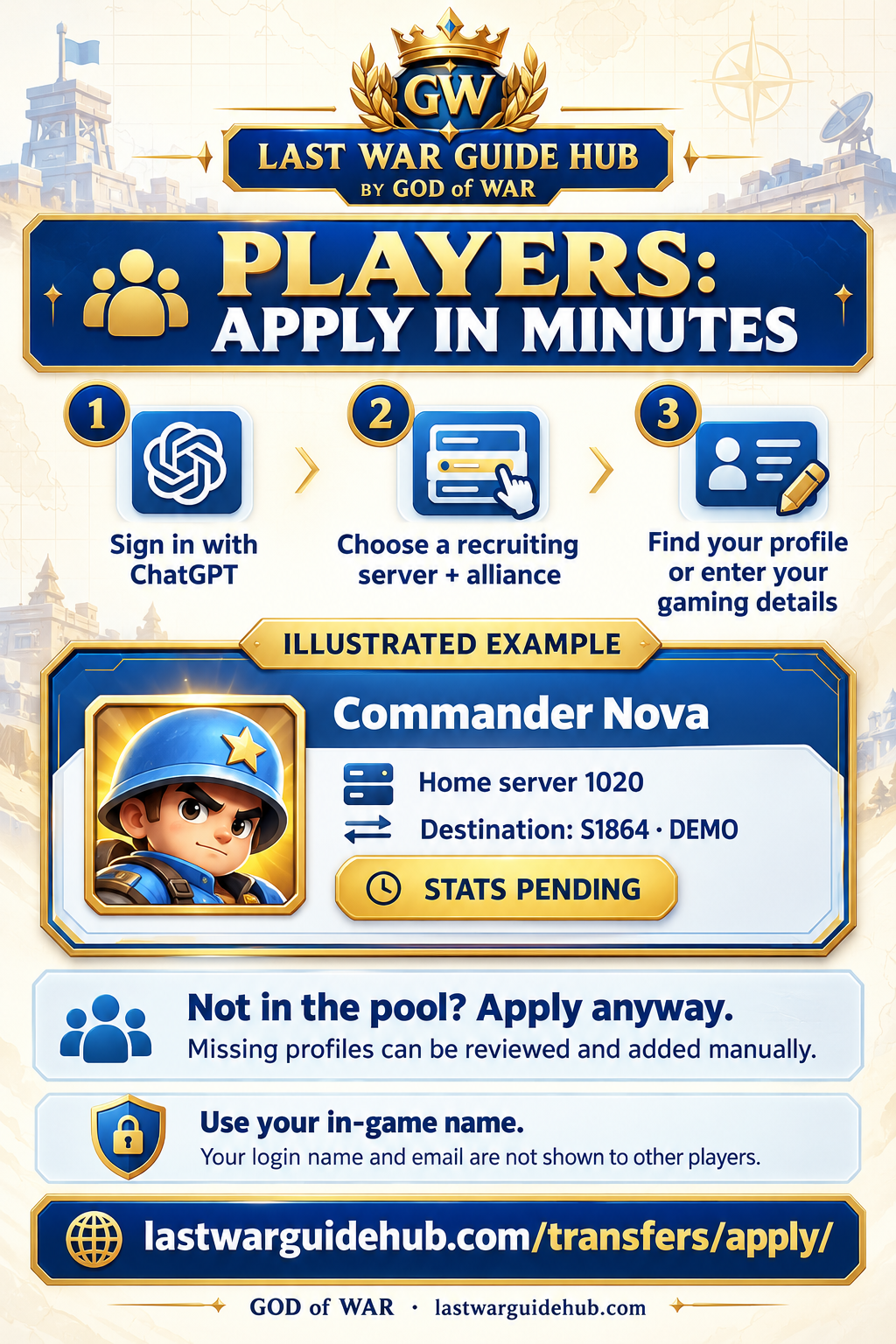
- Players: sign in with ChatGPT, choose an open recruiting destination server and alliance, then search for your player profile. Only alliances that have enabled recruitment appear. You can also use a direct application link from an alliance leader.
- Use your in-game name, home server and current alliance. Your ChatGPT name and email are not shown to other players or board members. Player UIDs are excluded from the reference pool.
- If your profile is missing, submit your gaming details anyway. Your application shows Stats pending until a matching profile is added. A private alert can notify the website owner to review the missing player. Imports remain manual; submitting does not trigger an automatic source scan.
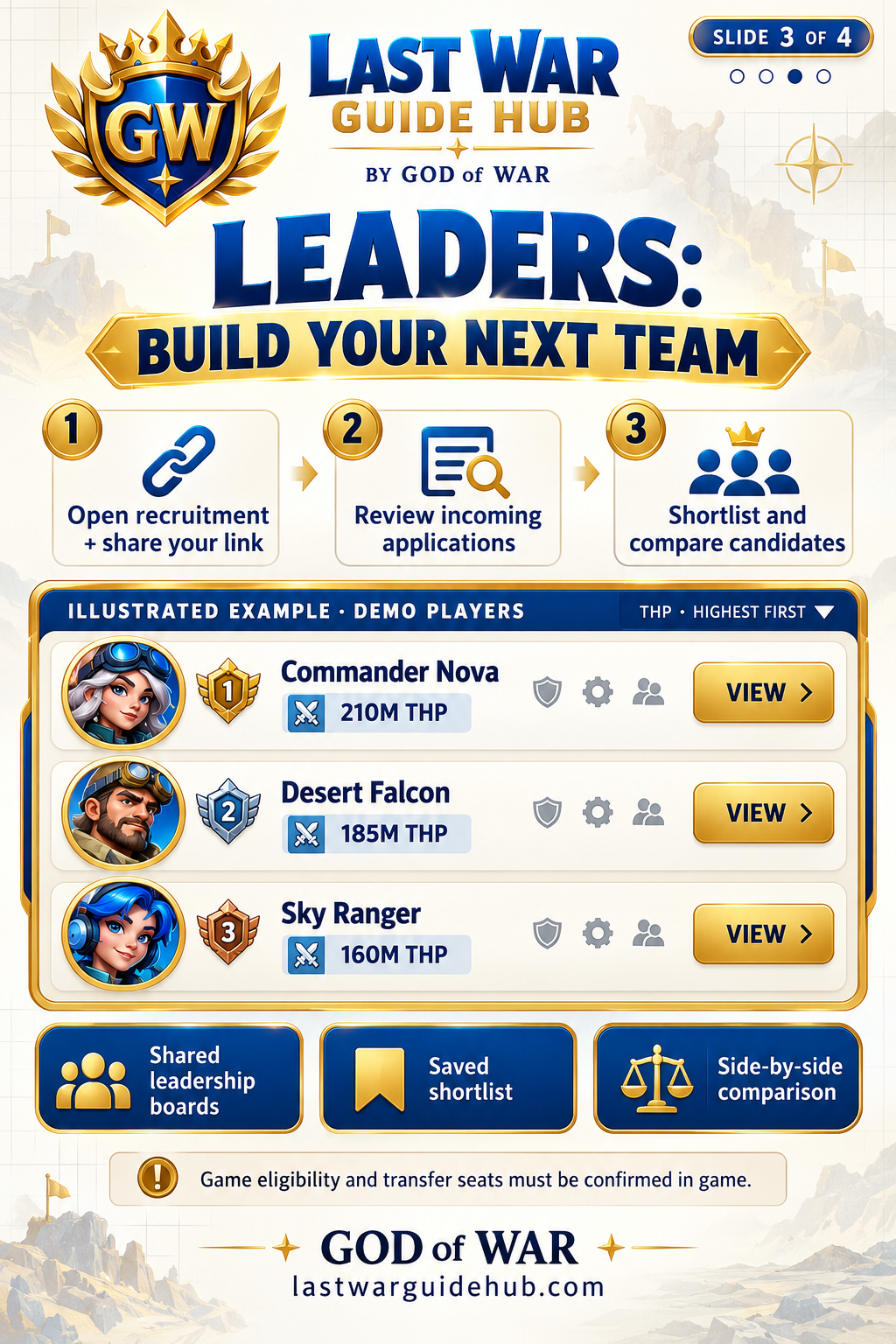
- Leaders: open your board, go to Incoming applications, then Recruitment settings & application link. Set the destination server and alliance, enable recruitment and share your application link. Only the board owner changes recruitment settings.
- Review incoming applications, shortlist the candidates you want to compare and keep notes with your leadership team. Candidate lists default to highest THP first, with unknown values last. Applications and board contents are restricted to the applicant and the receiving board’s authorized leadership as applicable.
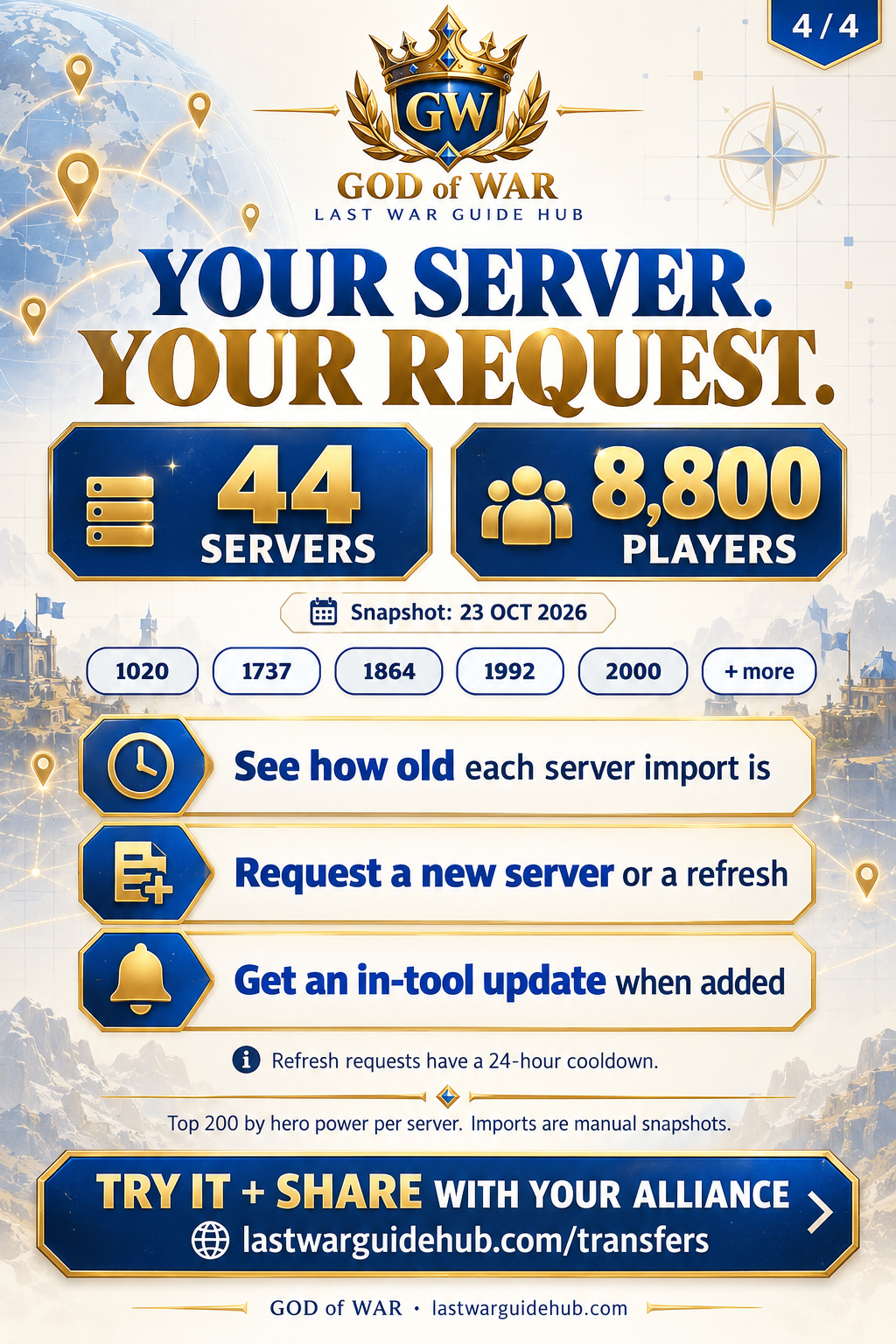
- The request area now shows compact added-server badges and shared player totals. Pending new-server and refresh requests stay visible, ranked by demand. Completed personal requests are collapsed.
- Check the last-import date before using a server snapshot. Request missing servers or support a pending refresh. Refresh requests use a 24-hour cooldown after the latest import and your own last request; supporters can join an existing pending request. Requesters receive an in-tool notification when a later import fulfills the request.
The pool, privacy and data freshness
The shared reference pool covers hundreds of servers and tens of thousands of player profiles, primarily the top 200 by hero power on each imported server. Check the tool for current coverage and report dates. These are dated manual imports, not a complete census or a live feed. A server being in the pool does not establish transfer eligibility. Verify your current transfer group, game-assigned seats and destination capacity in game. The carousel uses illustrated interface examples and fictional commanders, not screenshots or real applications. Counts on the images are a dated snapshot; the tool shows current totals.
The TikTok carousel
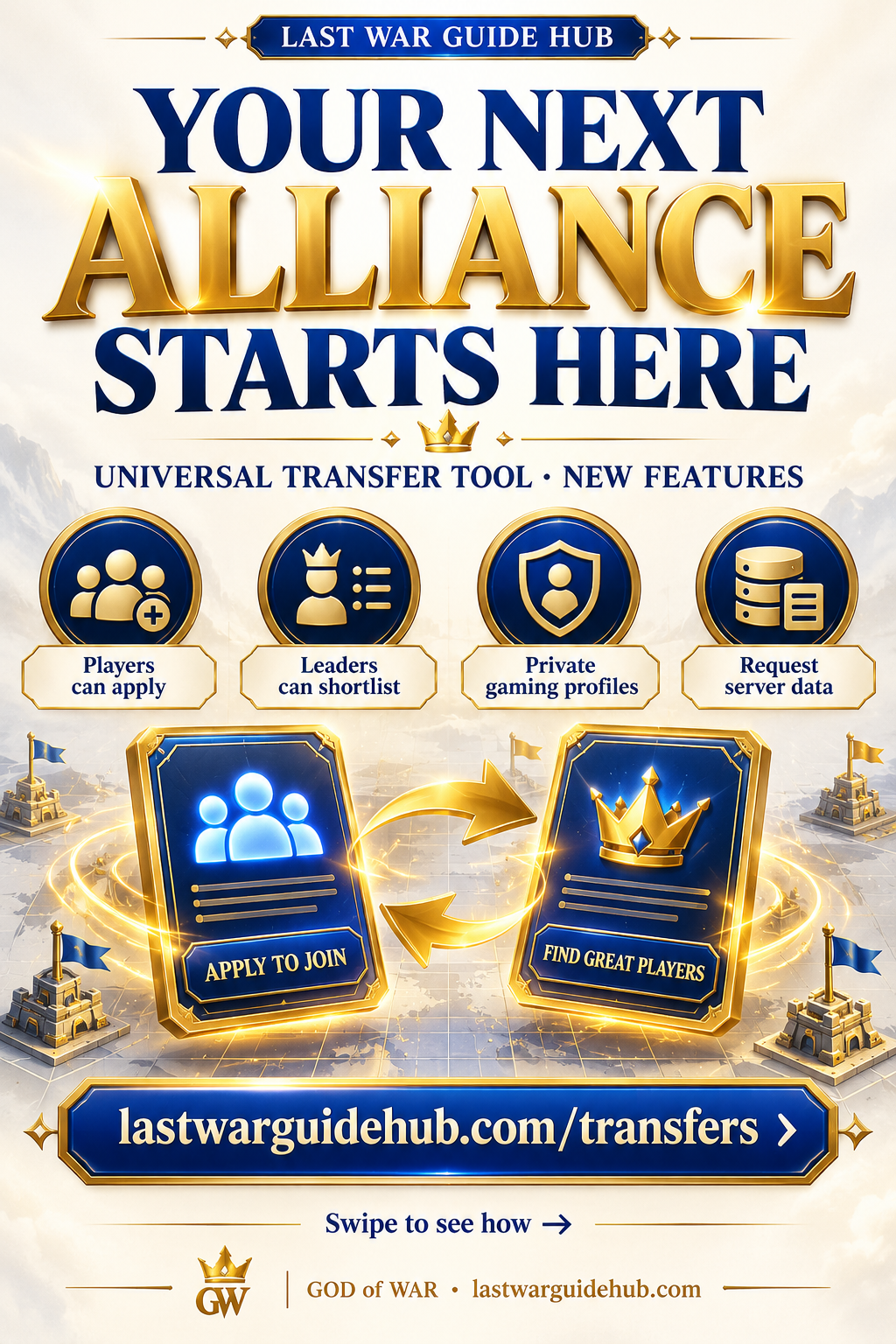
Four separate images. Interface examples are illustrations, with fictional player details.
Packs for this guide

Optional progression purchases; using the dashboard, transfer tool and task finder is free. These are topic-based options, not verified item-for-item matches to the guide. Check contents, regional eligibility and the final total before buying.
NewUser Only
For eligible new LootBar customers; check the offer restrictions.
Super Monthly Pass
Compare the current monthly rewards with your progression priorities.
CAD figures are historical references supplied on October 21, 2026. Live prices may be higher or lower and vary by currency, promotion and coupon.
Affiliate disclosure: GOD of WAR may earn a commission from eligible purchases through these links. LootBar is an independent third-party store, not the official Last War store.
How it works: no game password needed — after checkout you redeem the pack inside your own Last War account (delivered in about 5 minutes). Note: in-game Gold Bricks are used first; platform packs can be redeemed once no Gold Bricks remain. New to LootBar? Enter code #sZTU at signup for a 5% coupon. Purchases through these links support the free guides at no extra cost to you.
Delivery time is LootBar’s estimate, not a guarantee. Coupon eligibility, limits and availability apply; check the offer at signup. Follow the current Self-TopUp instructions and supported purchase modes. Our website never asks for your game password.